
The perfect email provider for your side project
Easy setup, affordable monthly pricing, and a suite of time-saving features make Postmark the ideal email provider for your side project.

Start sending in minutes
Use our SMTP service for a super fast setup, or integrate with our API to take your email to the next level.
# Send an email with curl
# Copy and paste this into terminal

curl "https://api.postmarkapp.com/email" \
  -X POST \
  -H "Accept: application/json" \
  -H "Content-Type: application/json" \
  -H "X-Postmark-Server-Token: server token" \
  -d '{
  "From": "sender@example.com",
  "To": "receiver@example.com",
  "Subject": "Postmark test",
  "TextBody": "Hello dear Postmark user.",
  "HtmlBody": "<html><body><strong>Hello</strong> dear Postmark user.</body></html>",
  "MessageStream": "outbound"
}'
// Send an email with the Postmark.js library
// Learn more -> https://postmarkapp.com/developer/integration/official-libraries#node-js

// Install with npm
npm install postmark --save

// Require
var postmark = require("postmark");

// Example request
var client = new postmark.ServerClient("server token");

client.sendEmail({
    "From": "sender@example.com",
    "To": "receiver@example.com",
    "Subject": "Test",
    "TextBody": "Hello from Postmark!"
});
# Requirements: Python 3.10+
# Install from PyPI as postmark-python (the Python package you import is still postmark): # pip install postmark-python

import asyncio
import postmark

async def main():
  async with postmark.ServerClient("111-YOUR-SERVER-TOKEN-0000-000000") as client:
    response = await client.outbound.send({
      "sender": "sender@example.com",
      "to": "recipient@example.com",
      "subject": "Hello from Postmark",
      "text_body": "Sent with the Postmark Python SDK.",
    })
    print(f"Accepted: {response.success}")
    print(f"Message ID: {response.message_id}")

asyncio.run(main())
# Send an email with the Postmark Rails Gem
# Learn more -> https://postmarkapp.com/developer/integration/official-libraries#rails-gem

# Add this to your gemfile
gem 'postmark-rails'

# Add this to your config/application.rb file:
config.action_mailer.delivery_method = :postmark
config.action_mailer.postmark_settings = { :api_token => "POSTMARK_API_TEST" }

# Send the email
class TestMailer < ActionMailer::Base
  def hello
    mail(
      :subject => 'Hello from Postmark',
      :to  => 'receiver@example.com',
      :from => 'sender@example.com',
      :html_body => '<strong>Hello</strong> dear Postmark user.',
      :track_opens => 'true'
    )
  end
end
# Send an email with the Postmark Ruby Gem
# Learn more -> https://postmarkapp.com/developer/integration/official-libraries#ruby-gem

# Add the Postmark Ruby Gem to your Gemfile
gem 'postmark'

# Require gem
require 'postmark'

# Create an instance of Postmark::ApiClient
client = Postmark::ApiClient.new('POSTMARK_API_TEST')

# Example request
client.deliver(
  from: 'sender@example.com',
  to: 'receiver@example.com',
  subject: 'Hello from Postmark',
  html_body: '<strong>Hello</strong> dear Postmark user.',
  track_opens: true
)
// Send an email with the Postmark-PHP library
// Learn more -> https://postmarkapp.com/developer/integration/official-libraries#php

// Install with composer
composer require wildbit/postmark-php

// Import
use Postmark\PostmarkClient;

// Example request
$client = new PostmarkClient("server token");

$sendResult = $client->sendEmail(
  "sender@example.com",
  "receiver@example.com",
  "Hello from Postmark!",
  "This is just a friendly 'hello' from your friends at Postmark."
);
// Send an email with the Postmark .NET library
// Learn more -> https://postmarkapp.com/developer/integration/official-libraries#dot-net

// Install with NuGet
PM> Install-Package Postmark

// Import
using PostmarkDotNet;

// Example request
PostmarkMessage message = new PostmarkMessage {
    From = "sender@example.com",
    To = "receiver@example.com",
    Subject = "Hello from Postmark",
    HtmlBody = "<strong>Hello</strong> dear Postmark user.",
    TextBody = "Hello dear postmark user.",
    ReplyTo = "reply@example.com",
    TrackOpens = true,
    Headers = new NameValueCollection {{ "CUSTOM-HEADER", "value" }}
};

PostmarkClient client = new PostmarkClient("POSTMARK_API_TEST");

PostmarkResponse response = client.SendMessage(message);

if(response.Status != PostmarkStatus.Success) {
    Console.WriteLine("Response was: " + response.Message);
}






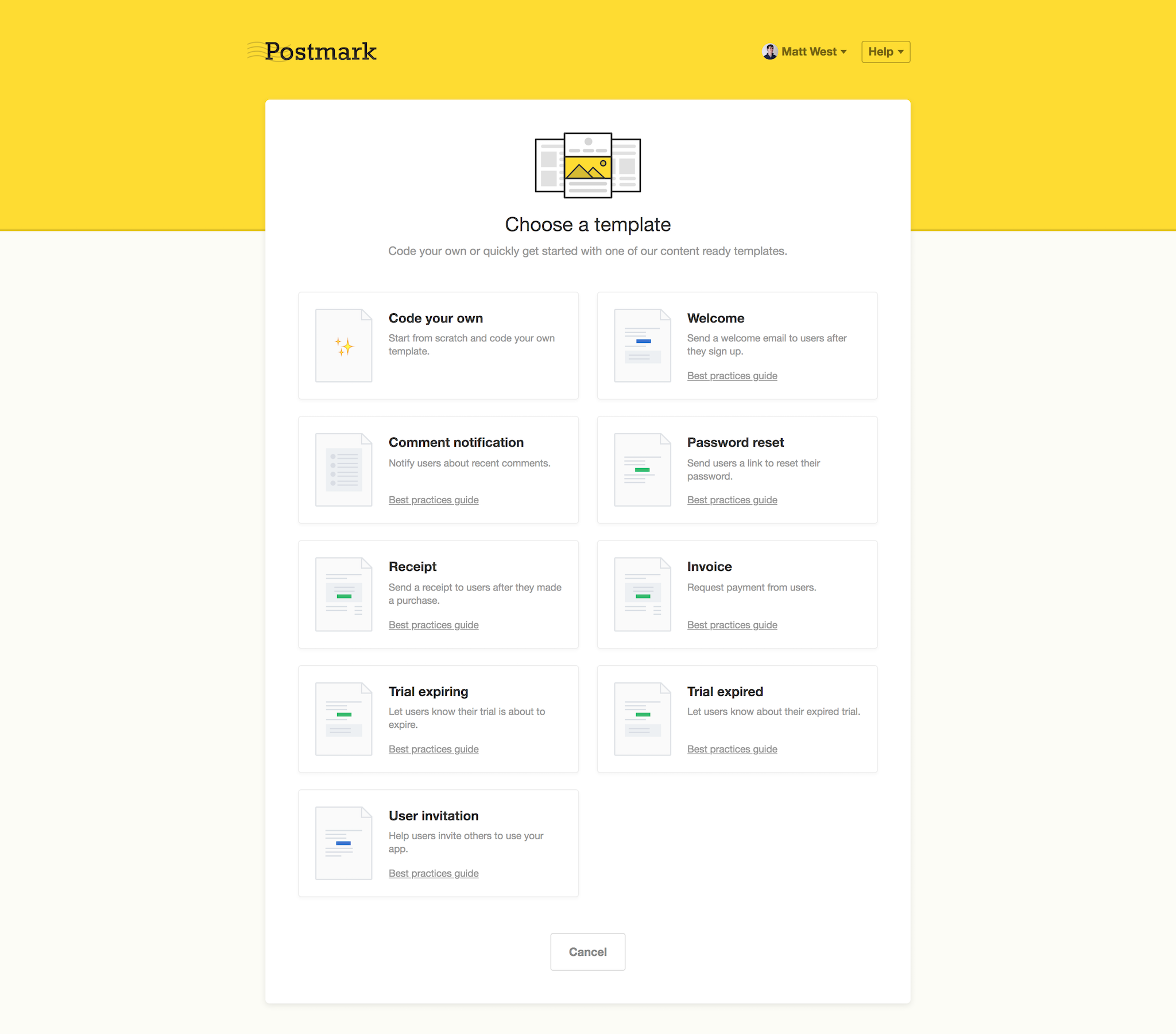
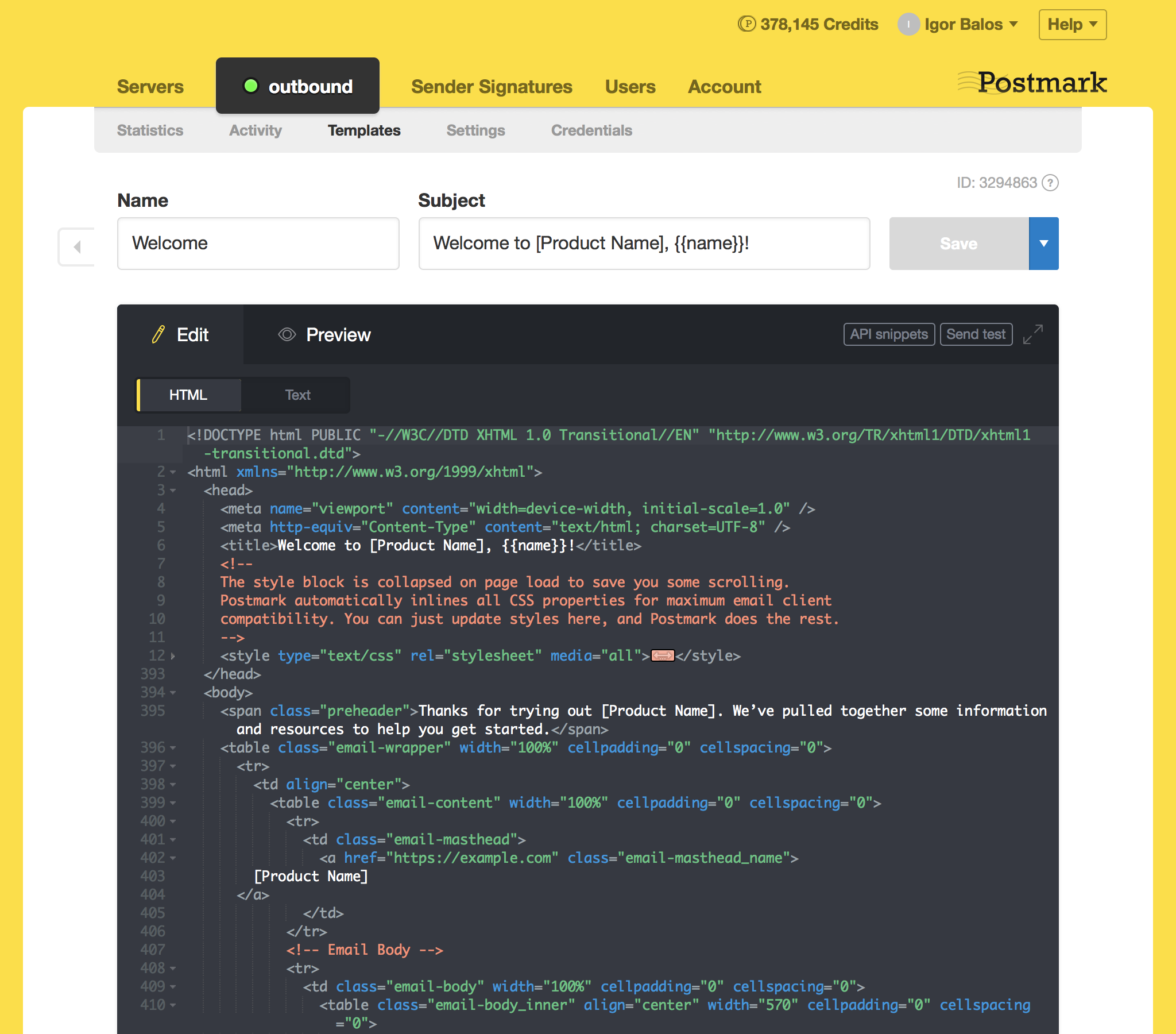
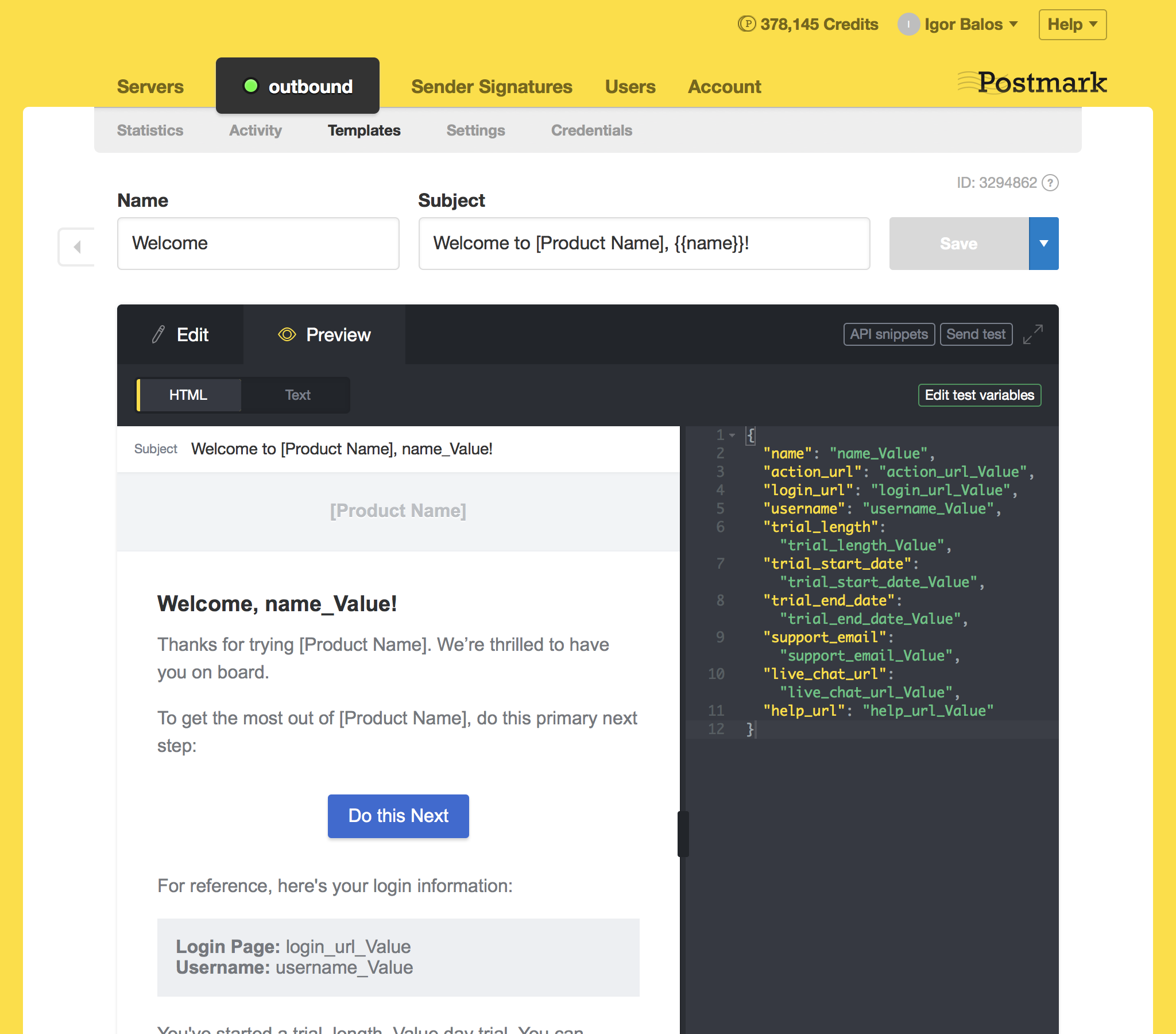
All your email templates in one place
Postmark’s templates API makes it easy to create and manage all the emails your application needs to send. Get started with our collection of easily customizable open source templates, or code your own.

45 days of email history as standard
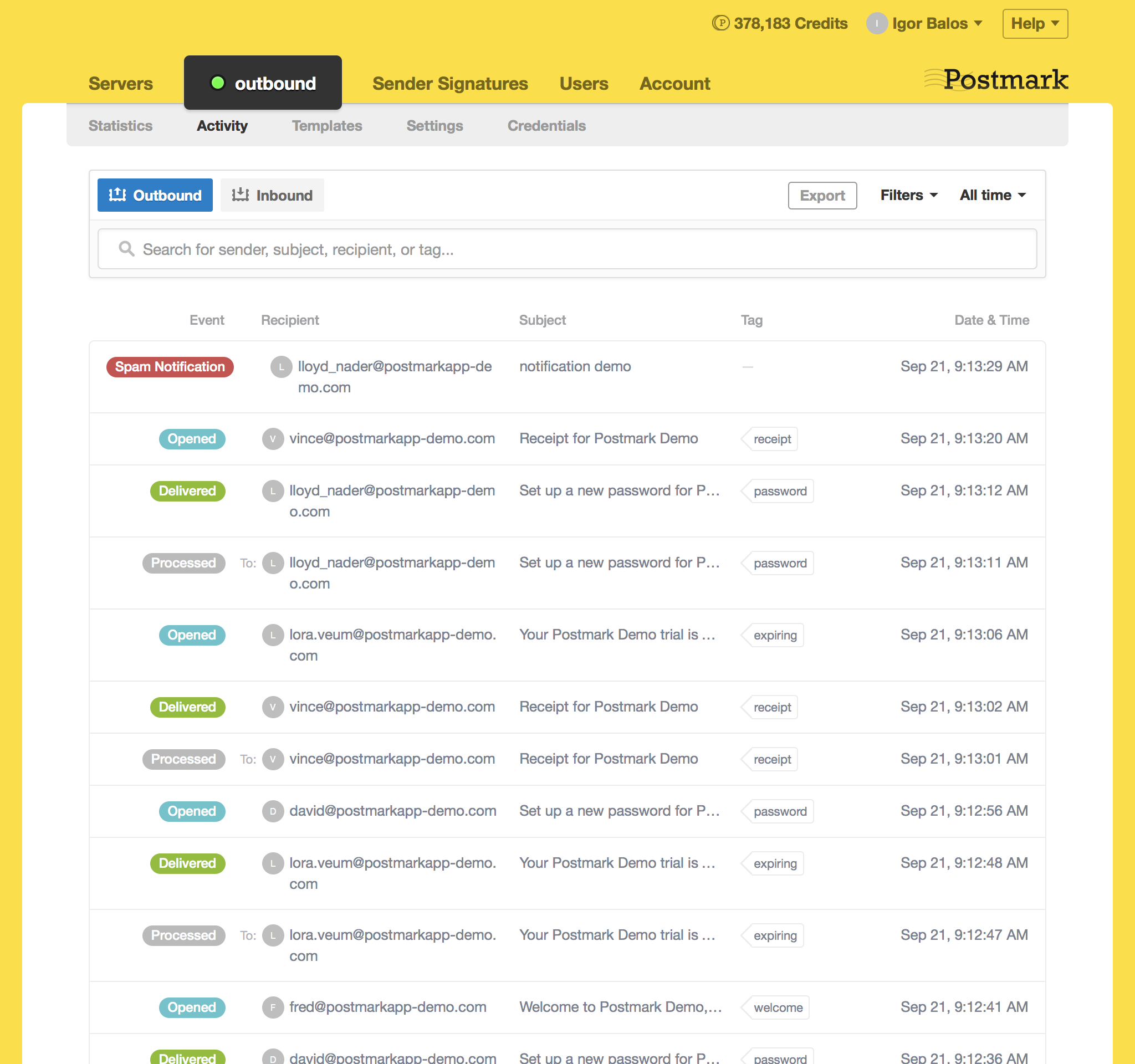
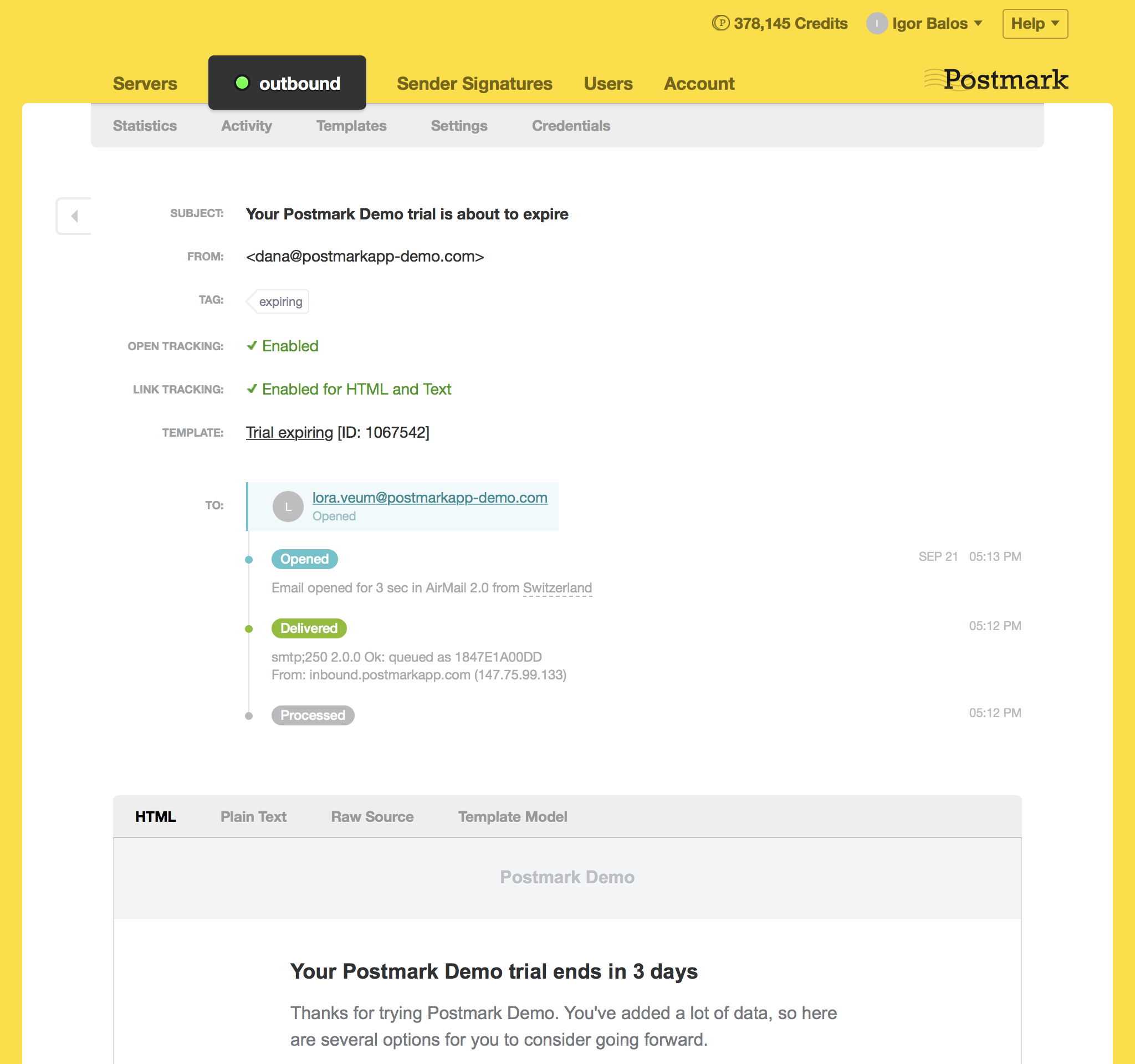
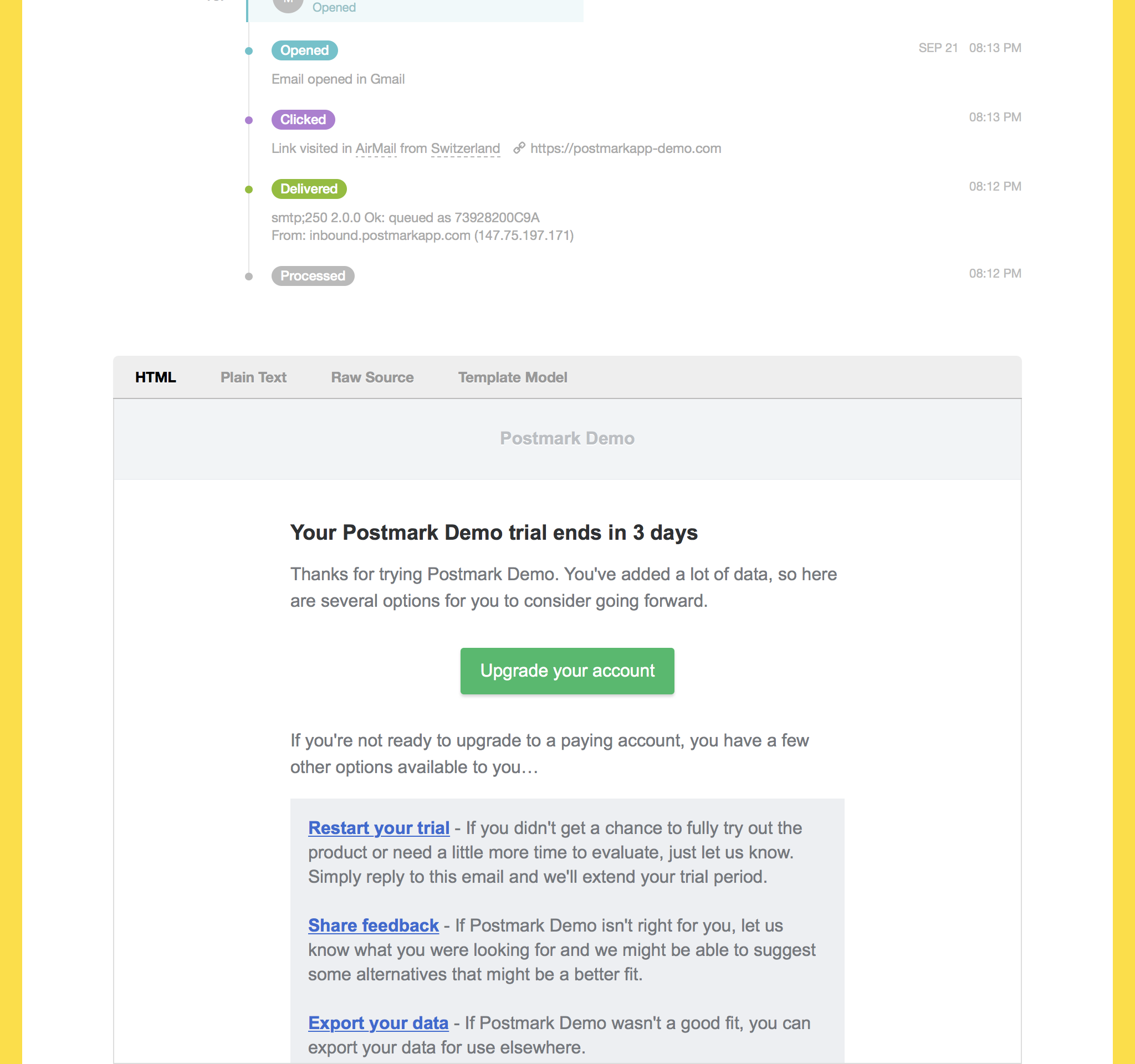
Get full visibility into your sending with 45 days of email history as standard (also customizable from 0 to 365 days), including open and click tracking to measure how users engage with your emails.
Fast and reliable email delivery for side projects
We’re profitable, privately owned, and in this for the long-haul.



We have a soft spot for bootstrappers.
If you’ve launched your product, are charging for it, and haven’t taken outside investment, contact our support team and we’ll give you $75 account credit to help with your email costs.
Email is complicated. We’re here to help.
Our customer success team are always on hand to help you get set up, investigate bounce reports, or answer any other questions you have.
- 😃 Great (95%)
- 🙂 Okay (3%)
- 😔 Not Good (2%)
Customer feedback gathered over the past 60 days.
The best email provider for side projects
- Paddle
- Indie Hackers
- Faire.com
- IKEA
- litmus
- desk
- minecraft
- livestream
- UNICEF
- Asana
- Moz
- Code Climate
- LiveChat
- 1Password
- Wistia
- Betterment
- Webflow
- InVision