
Teach your AI coding agent how to send email with Postmark Skills

If you've ever asked an AI coding agent to help you integrate email into your app, you've probably gotten code that looks right but isn't quite right. Maybe it used an outdated endpoint. Maybe it forgot about Message Streams entirely. Maybe it hallucinated a method that doesn't exist. (We've seen all three.)
AI agents are only as good as the context they have, and until now, most of them had to rely on whatever fragments of Postmark documentation made it into their training data.
Today, we're releasing Postmark Skills, a set of open source Agent Skills that teach AI coding agents how to work with Postmark correctly.
What are Agent Skills? #
Agent Skills are an open standard for giving AI coding agents specialized knowledge. Think of them as instruction manuals that your agent reads before writing code, except these manuals are structured specifically for how AI models process information.
Each skill is a folder with a SKILL.md file that contains best practices, code examples, API details, and common mistakes to avoid. When you install a skill, your AI agent loads it as context and uses it to write better, more accurate code.
Skills work with Claude Code, Cursor, GitHub Copilot, OpenAI Codex, Gemini CLI, and a growing list of other tools. If your agent can read a markdown file, it can use a skill.
What's included #
Postmark Skills covers five areas of the Postmark API:
Sending email — Everything your agent needs to send transactional or broadcast emails through Postmark. Single sends, batch sends (up to 500 per request), template-based sends, and the Bulk API for campaigns. The skill includes the decision logic for when to use each approach, proper Message Stream handling, error codes and retry strategies, and attachment support, including batch attachments, which some alternatives don't support.
Inbound email processing — Building workflows that receive and parse incoming email. Reply-by-email threading, email-to-ticket systems, document extraction from attachments, and routing with MailboxHash. Your agent will know to use StrippedTextReply instead of TextBody for reply parsing, set the body parser limit to 50mb for messages with attachments, and always return HTTP 200 before processing.
Template management — Creating and managing server-side email templates with Handlebars syntax. Layout inheritance, template validation, cross-server pushing from staging to production, and the difference between template aliases and IDs (use aliases, they survive re-creation and work across servers).
Webhook configuration — Setting up webhooks for delivery, bounce, open, click, spam complaint, and subscription change events. Your agent will understand the webhook payload structure and know how to handle each event type.
Email best practices — Deliverability guidance, compliance requirements (CAN-SPAM, GDPR, CASL), transactional email design patterns, list management, safe testing strategies, and sending reliability. This one is useful even if you're not writing code! Ask your agent about SPF, DKIM, and DMARC setup, or what your legal obligations are for a marketing email list.
Why this matters #
We've been building out AI tooling for Postmark over the past year. It started with our MCP server for letting AI tools interact with your Postmark account directly. Then came our llms.txt file for giving AI assistants accurate API context. And we added pre-built AI prompts to our developer documentation for common integration tasks.
Skills fill a different gap. Where the MCP server lets AI tools do things with Postmark (send emails, check stats), skills teach AI coding agents how to write code that uses Postmarks APIs and SDKs correctly. They're complementary! Together, they cover most of the ways developers use AI tools in their workflow today.
Here's a concrete example. Without skills, you might ask your agent to "set up Postmark email sending" and get code that works for a single email but doesn't handle batch sends, ignores Message Streams, and has no error handling. With the Postmark send-email skill loaded, your agent knows about batch chunking at 500-email limits, the difference between transactional and broadcast streams, which HTTP error codes to retry and which to fix, and how to handle partial failures in batch responses.
The difference is production-ready code versus a starting point you'll need to debug.
Getting started #
Install all skills:
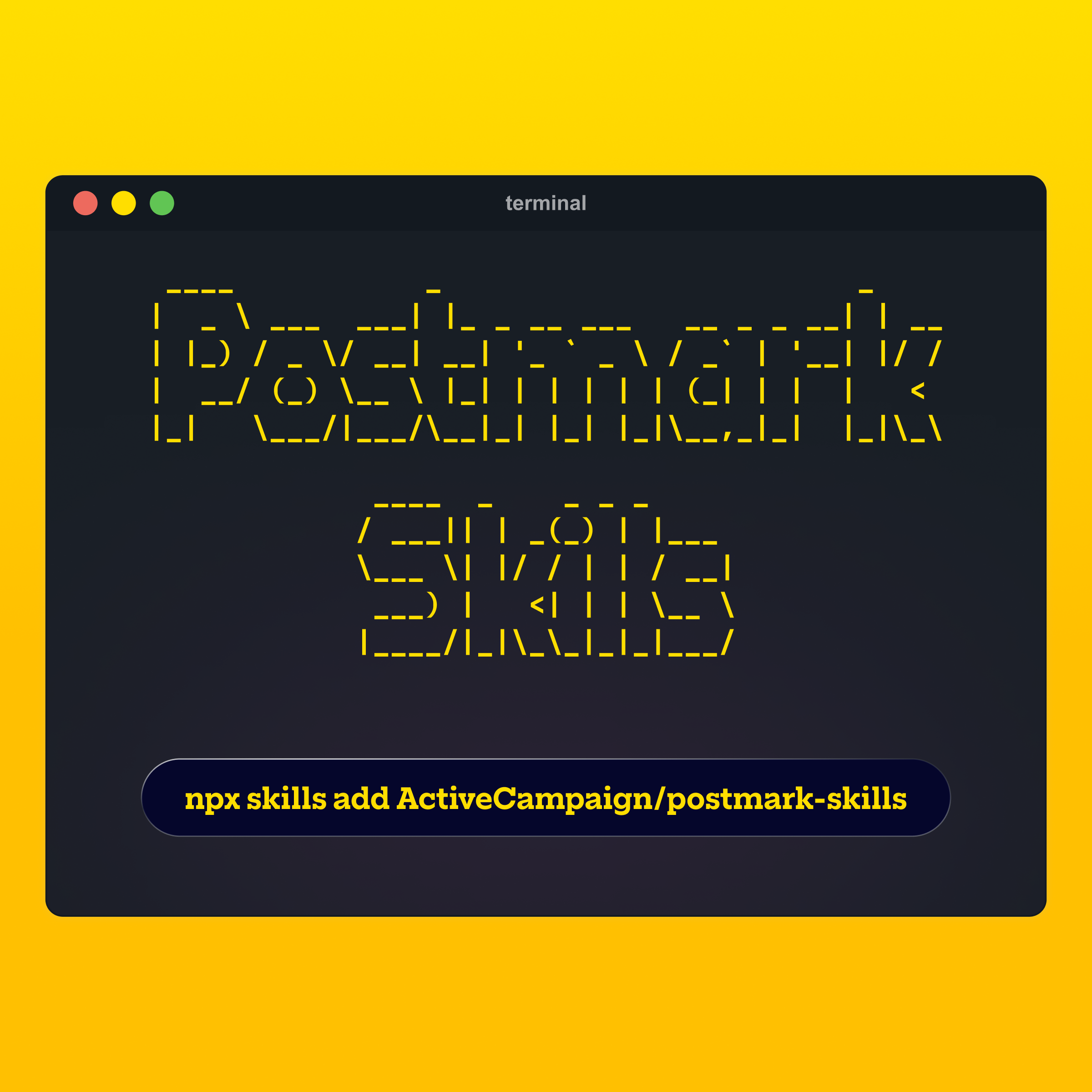
npx skills add ActiveCampaign/postmark-skillsOr install a specific skill:
npx skills add ActiveCampaign/postmark-skills --skill postmark-send-emailOnce installed, your agent automatically uses the skills when relevant. You don't need to reference them explicitly, just ask your agent to "send a welcome email using Postmark" or "set up inbound email processing for a support ticket system" and it'll pull in the right context. Your agent will detect your project language and use the appropriate SDK.
What you can build #
Once your agent has these skills, here are some things you can ask it to do:
"Send a welcome email using Postmark" — Your agent will use the correct SDK for your project, set up proper authentication, choose the right Message Stream, and include error handling.
"Set up inbound email processing for a support ticket system" — Your agent will configure the webhook endpoint, parse the MailboxHash for ticket routing, use StrippedTextReply for clean reply text, and handle attachments.
"Create a Postmark template for order confirmation emails" — Your agent will set up a Handlebars template with proper variable syntax, layout inheritance, and validation before deployment.
"Add bounce and delivery webhooks to track email status" — Your agent will configure the right webhook events, build a handler that processes each event type, and implement proper error handling.
Open source and ready for feedback #
Postmark Skills is MIT licensed and available on GitHub. If you run into an issue, find a missing edge case, or want to contribute an improvement, open a PR. This is the kind of thing that gets better with input from the people who actually use it.
If you're already using our MCP server or llms.txt file, skills are a natural next step. And if you're new to Postmark's AI tooling, this is a great place to start! Install the skills, point your AI agent at your next email integration task, and see what happens.
We'd love to hear what you build. Share your experiments with us on X @postmarkapp or drop us a line through support.
